Entity explorer
The Entity explorer tab shows what is on the selected broker: its entity types, the entities of each type, and their attributes. Use it to find the type and attribute names a subscription needs, in the short form the broker's @context gives them.
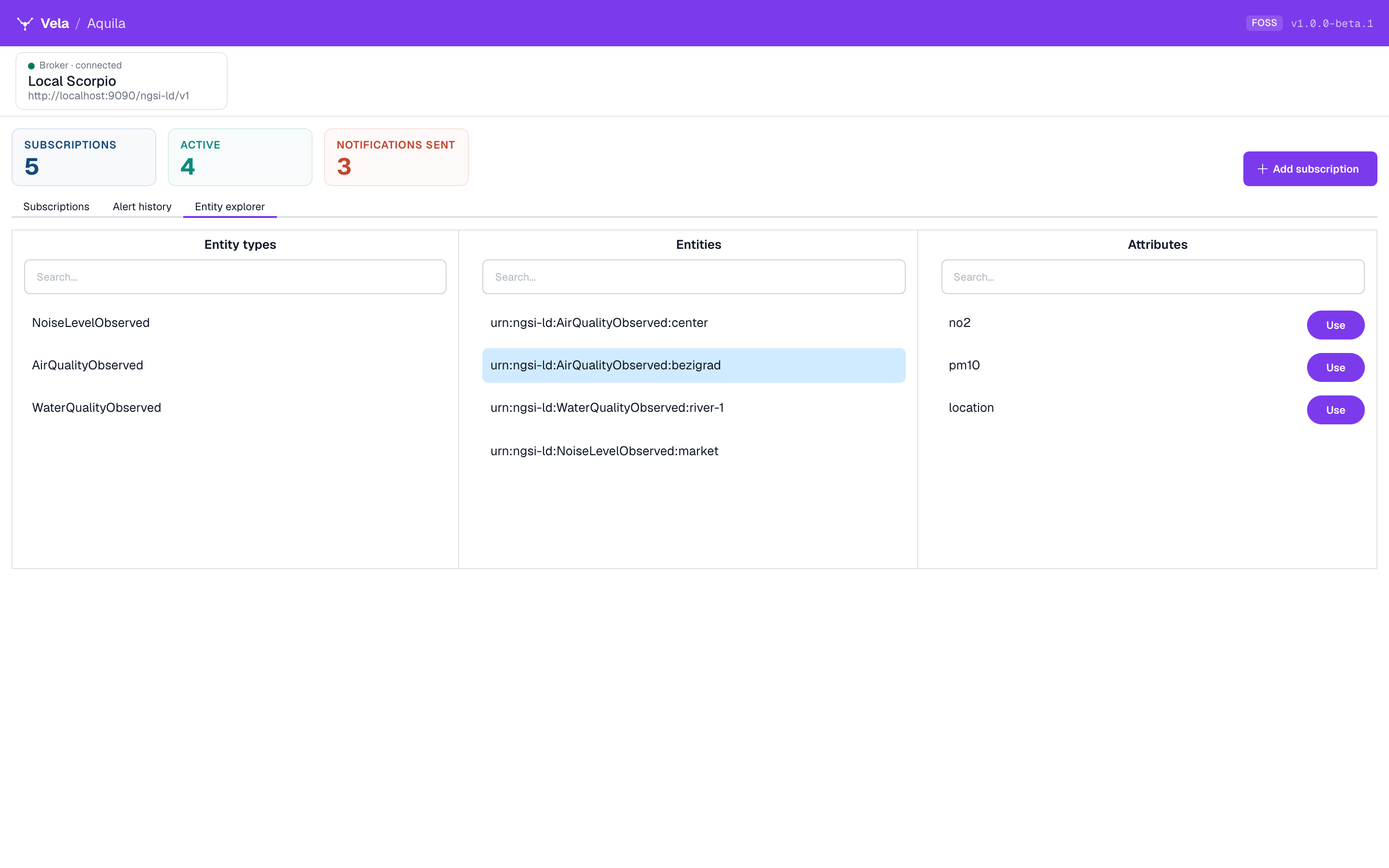
Picking an attribute opens the subscription editor with that type and attribute already filled in. This is the quickest way to start a subscription on data you can see.
The explorer only reads. It does not change entities.